Monthly Archives: May 2026

Make Code Radio Communication

Every microbit has a 2.4 GHZ radio module bulit into the CPU.

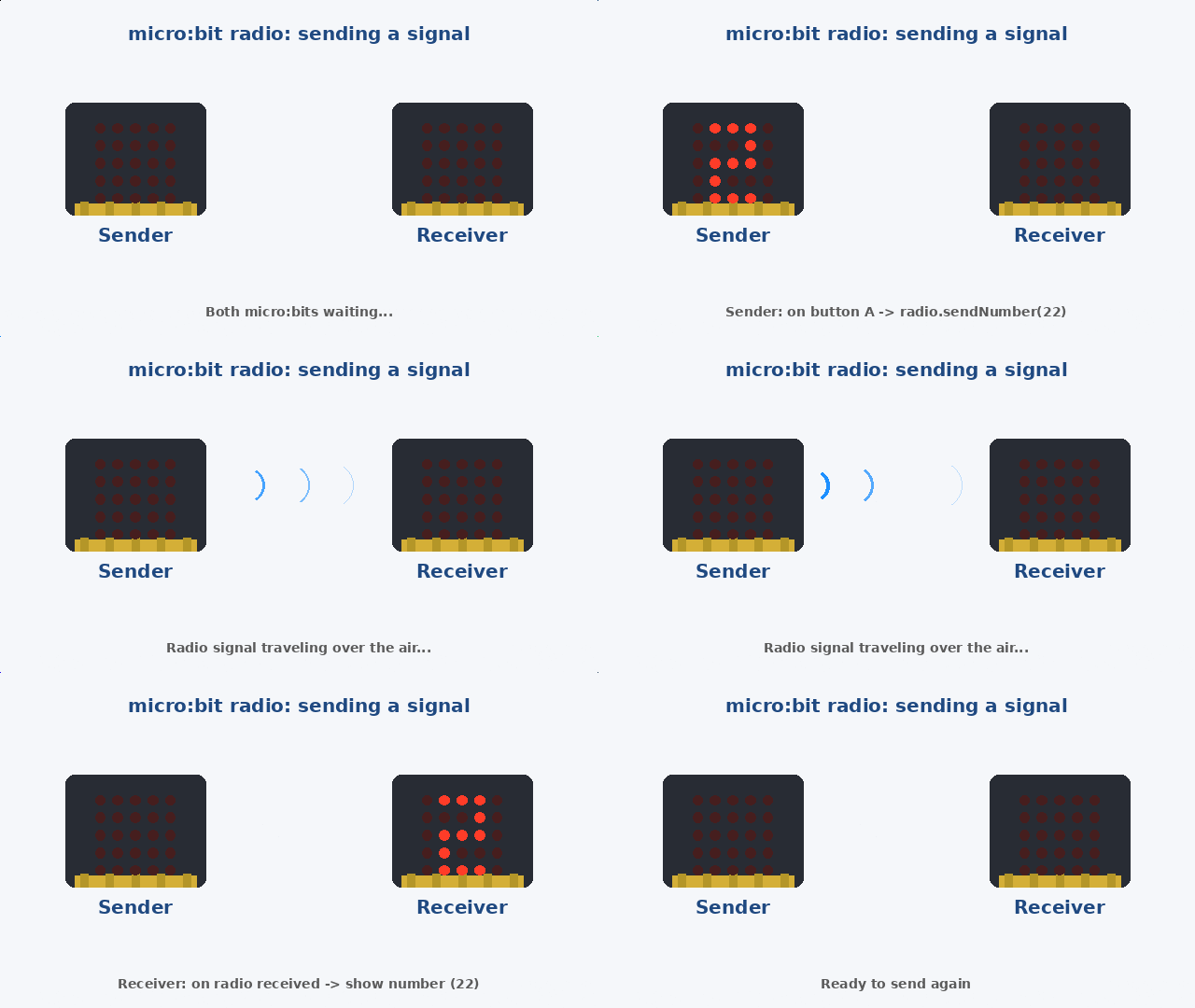
Below is demo of what we are going to do in this short tutorial–send a number of radio waves from one microbit to the other:

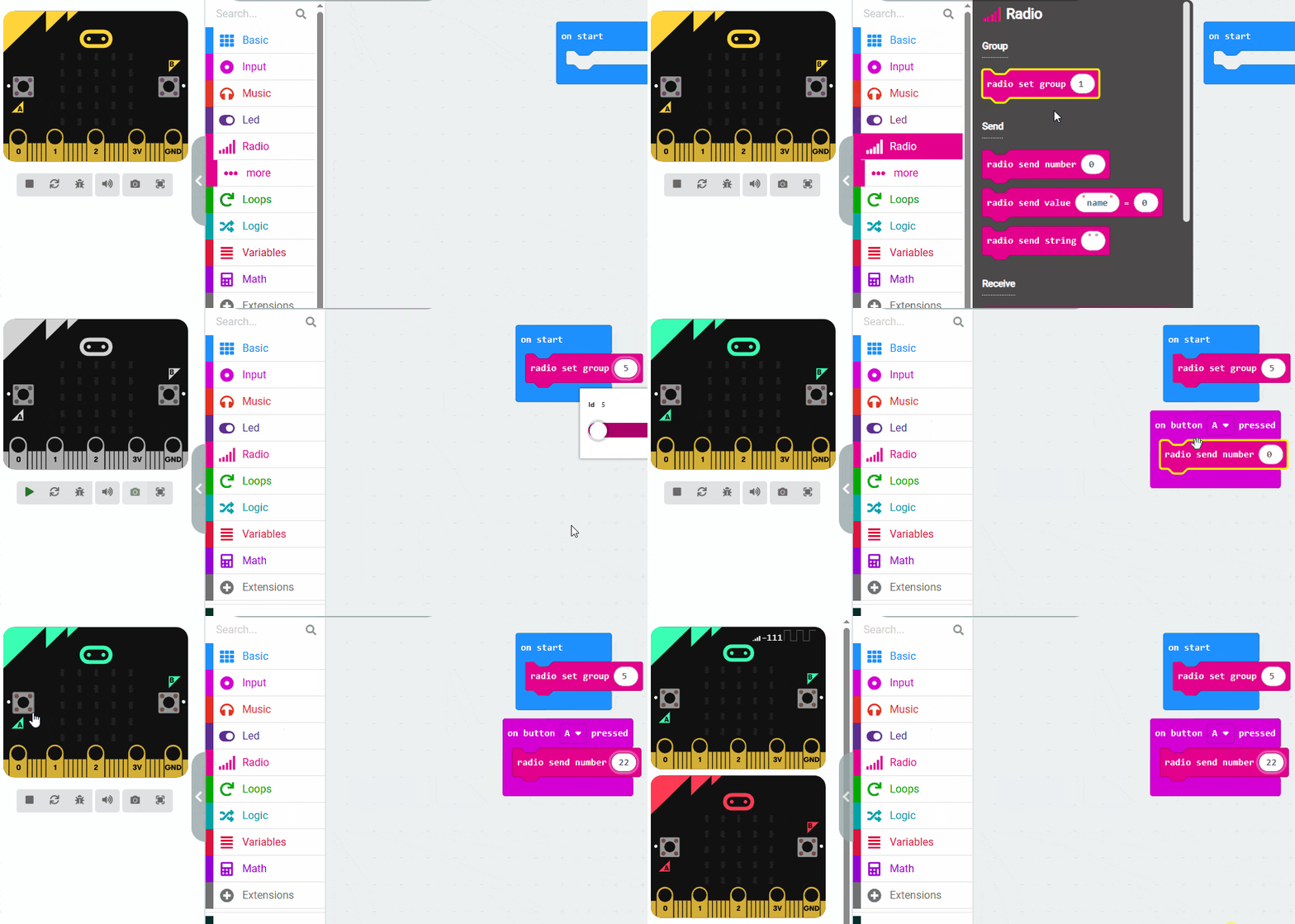
Microbit 1: The Sender

Radio Group. Both microbits must be set to the same group number. I chose the number 5. Just make sure you set that first (on start).

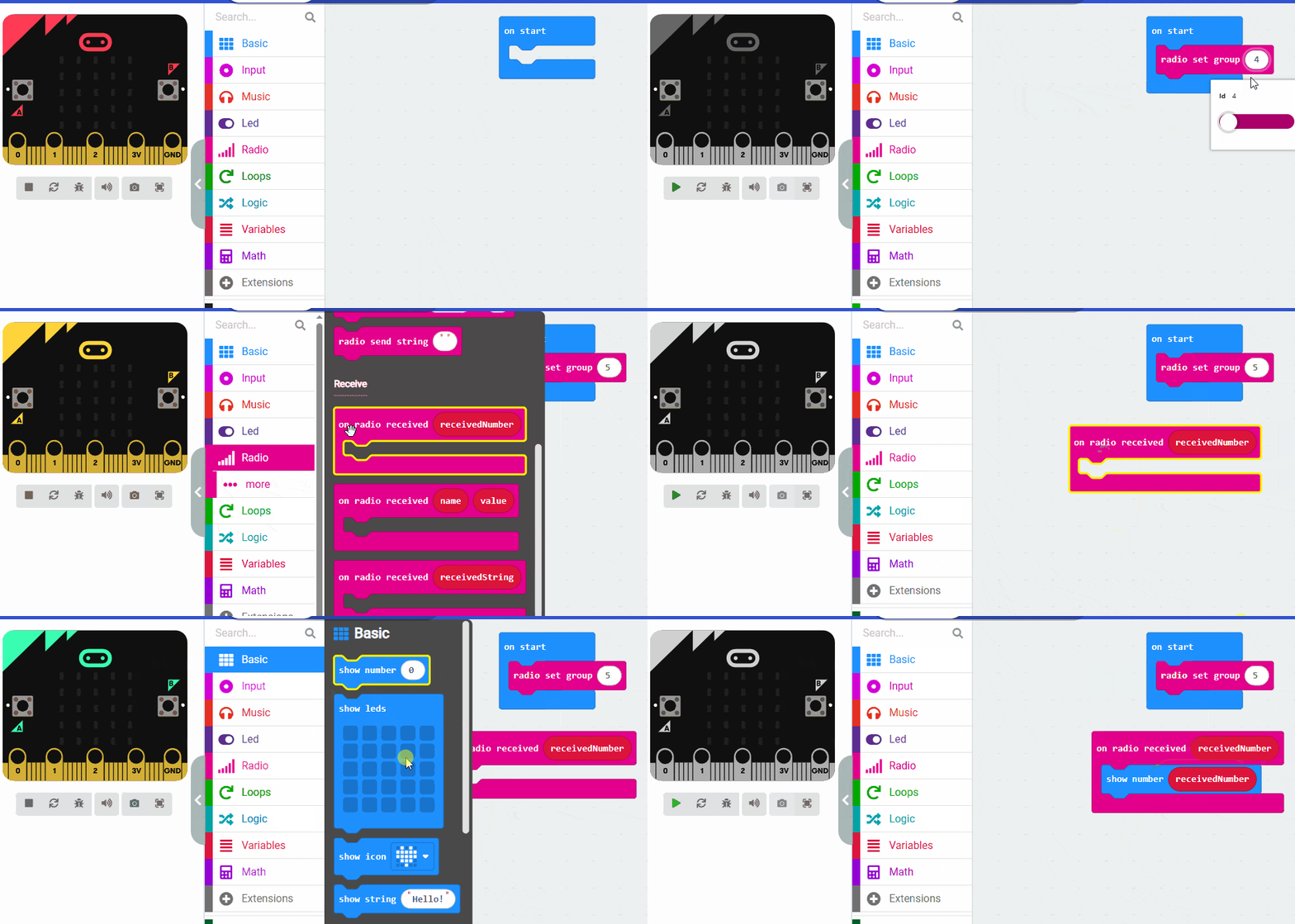
Microbit 2: The Receiver

Most common error is not setting the same radio group on both microbits.
Mars : Missions

Start Coding here : https://makecode.microbit.org/

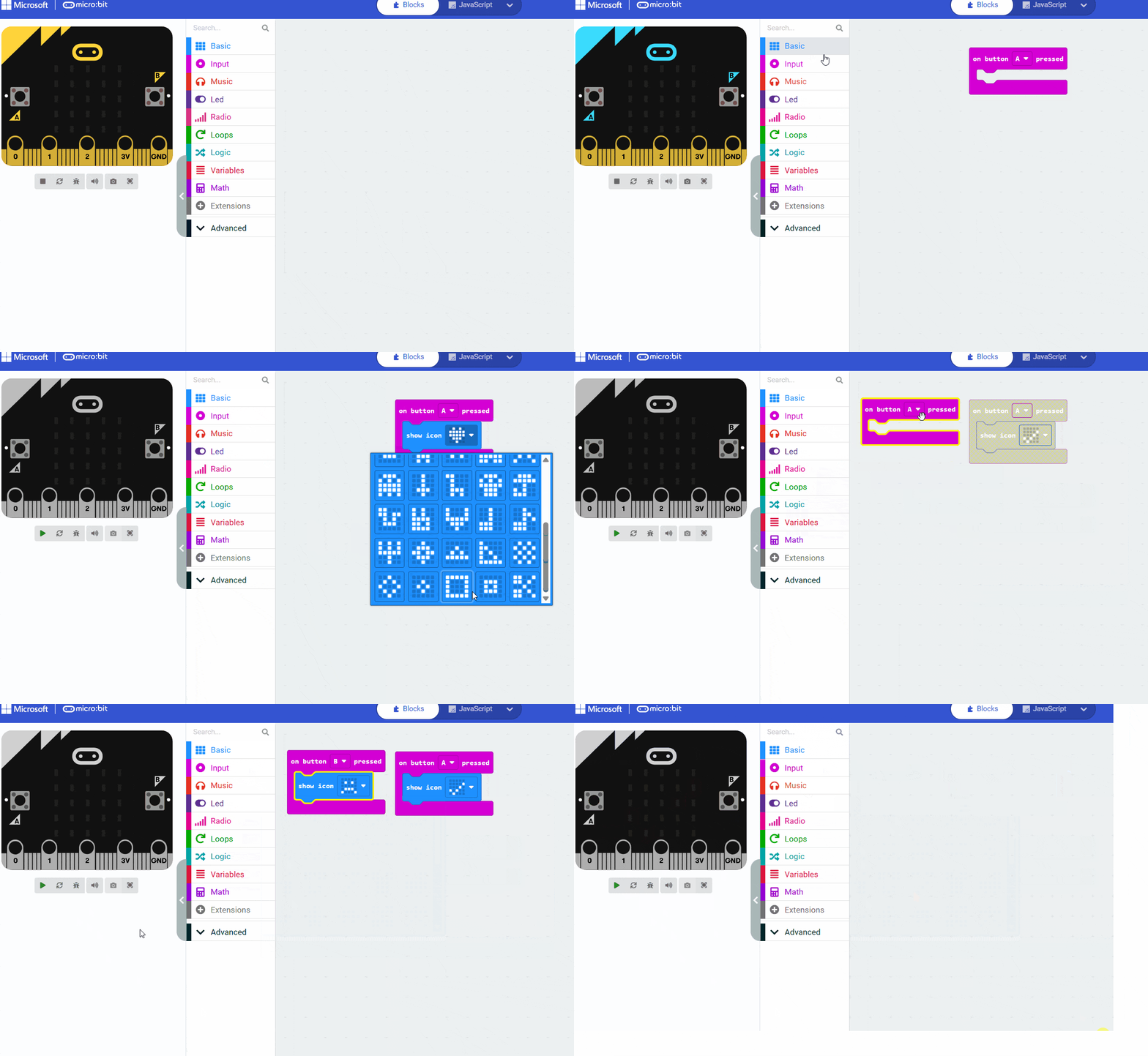
How to do common stuff with MakeCode

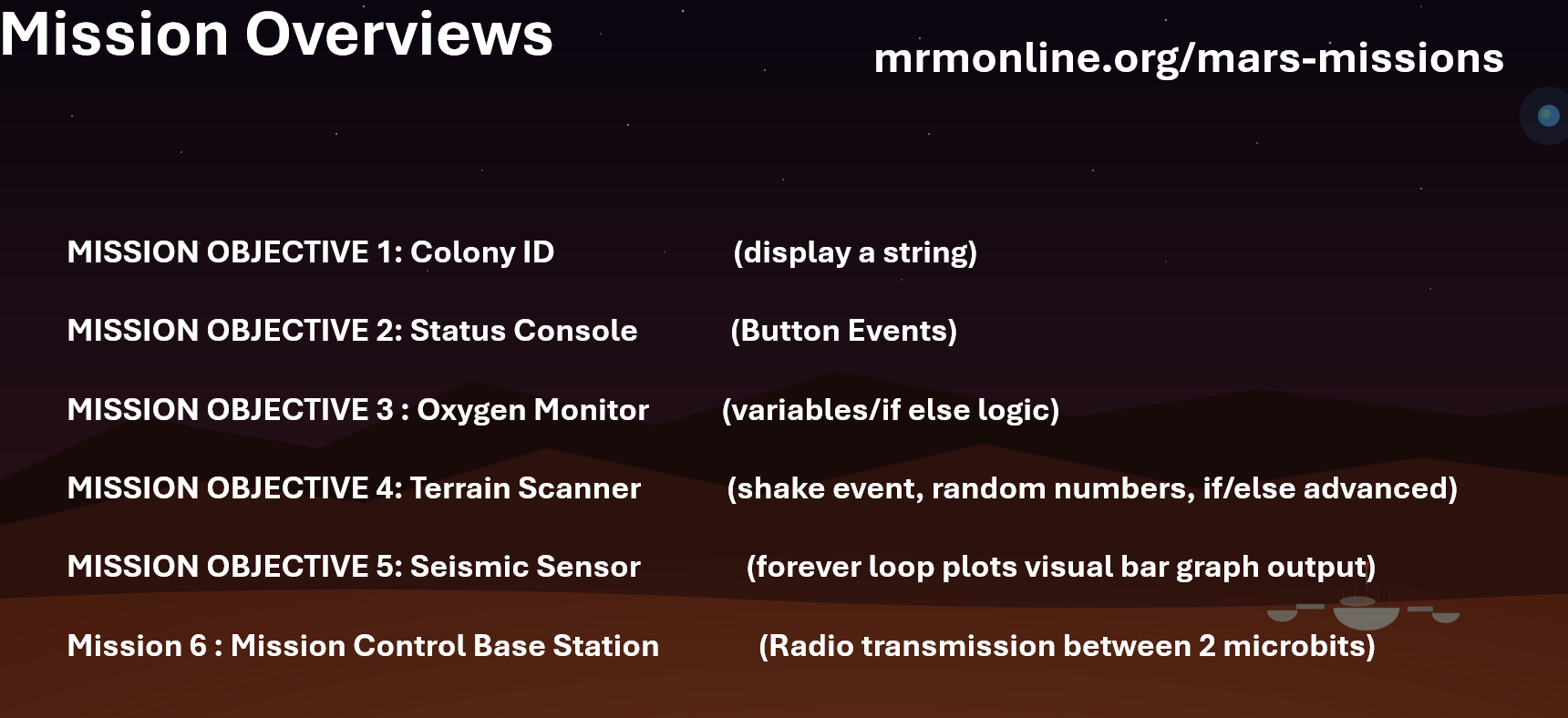
The Missions  

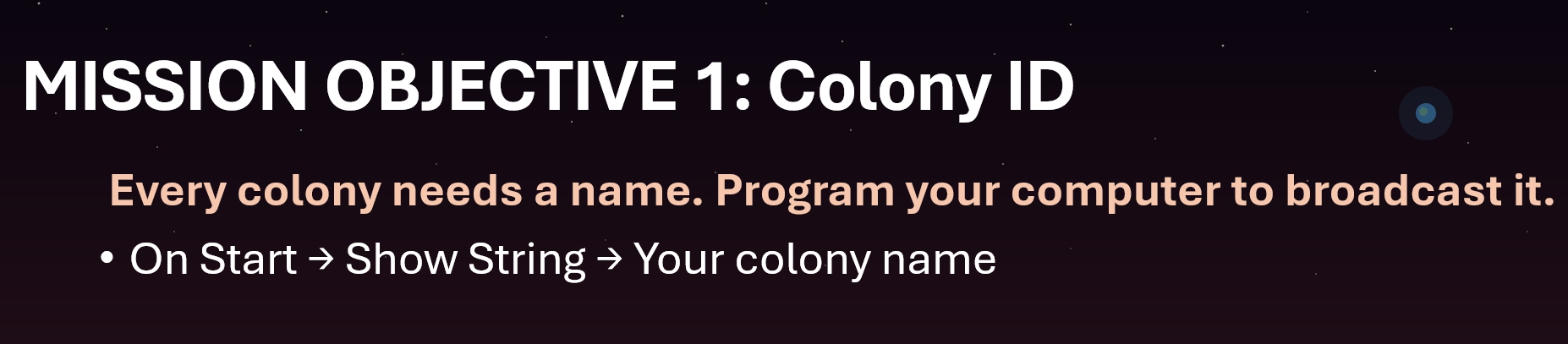
Topics/Links : On Start Show String

Stuck? Check out this code


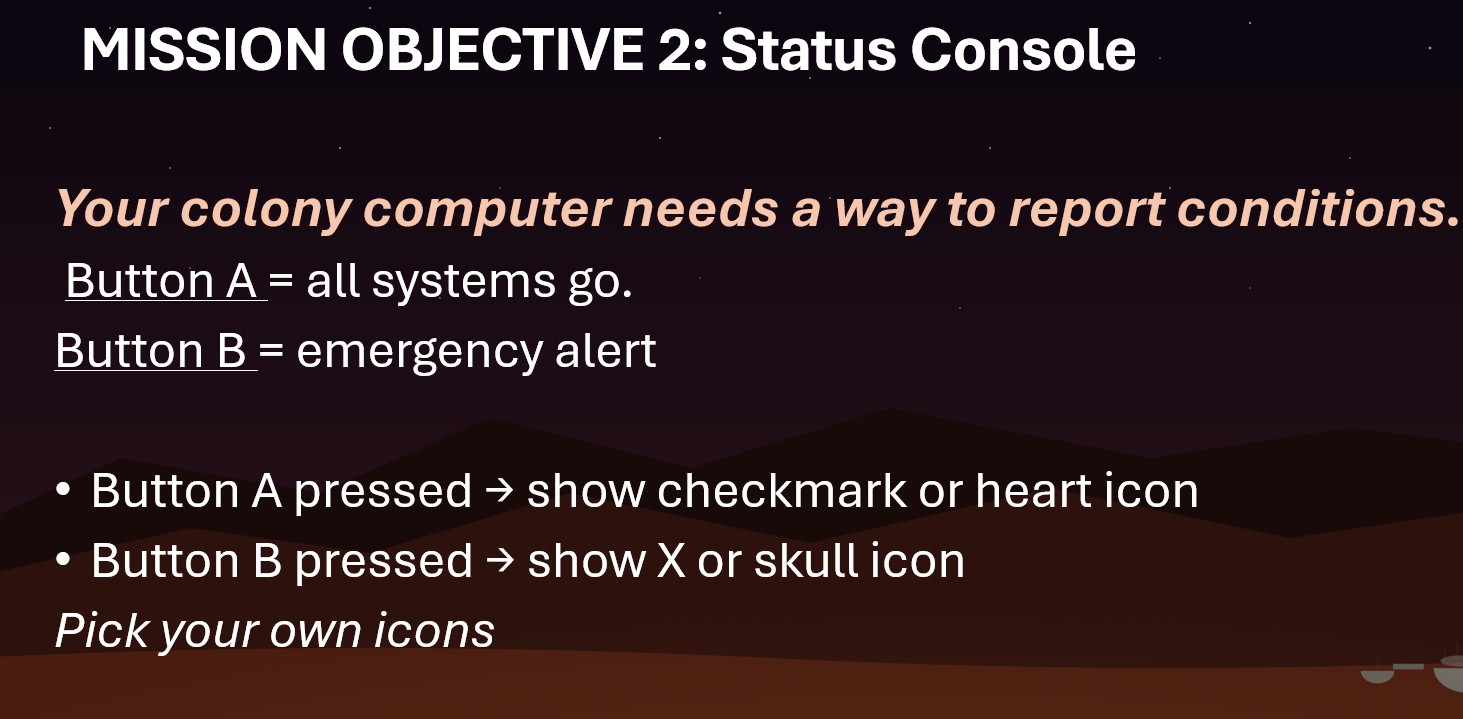
Topics/links : Button A

Stuck? Check out this code


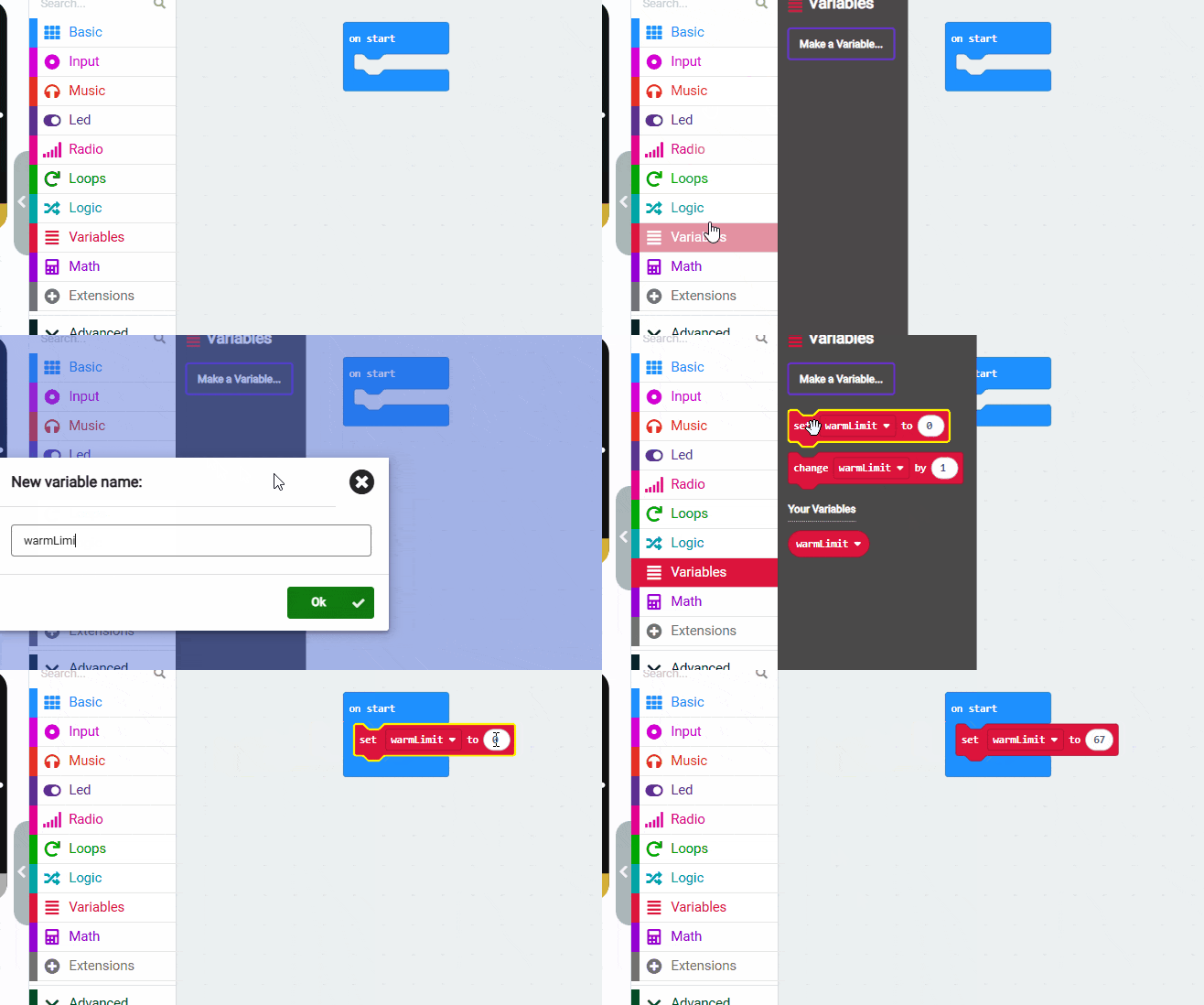
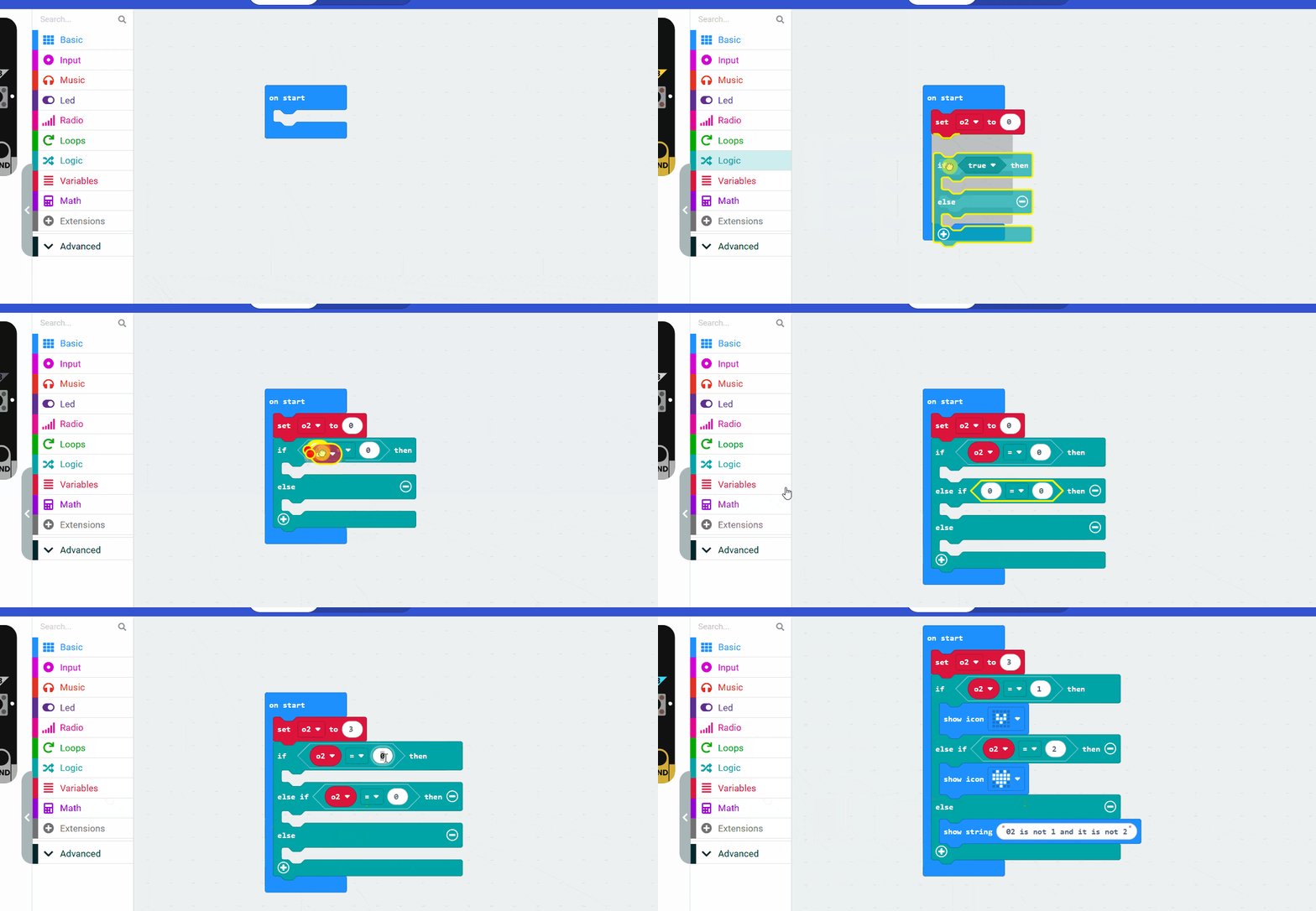
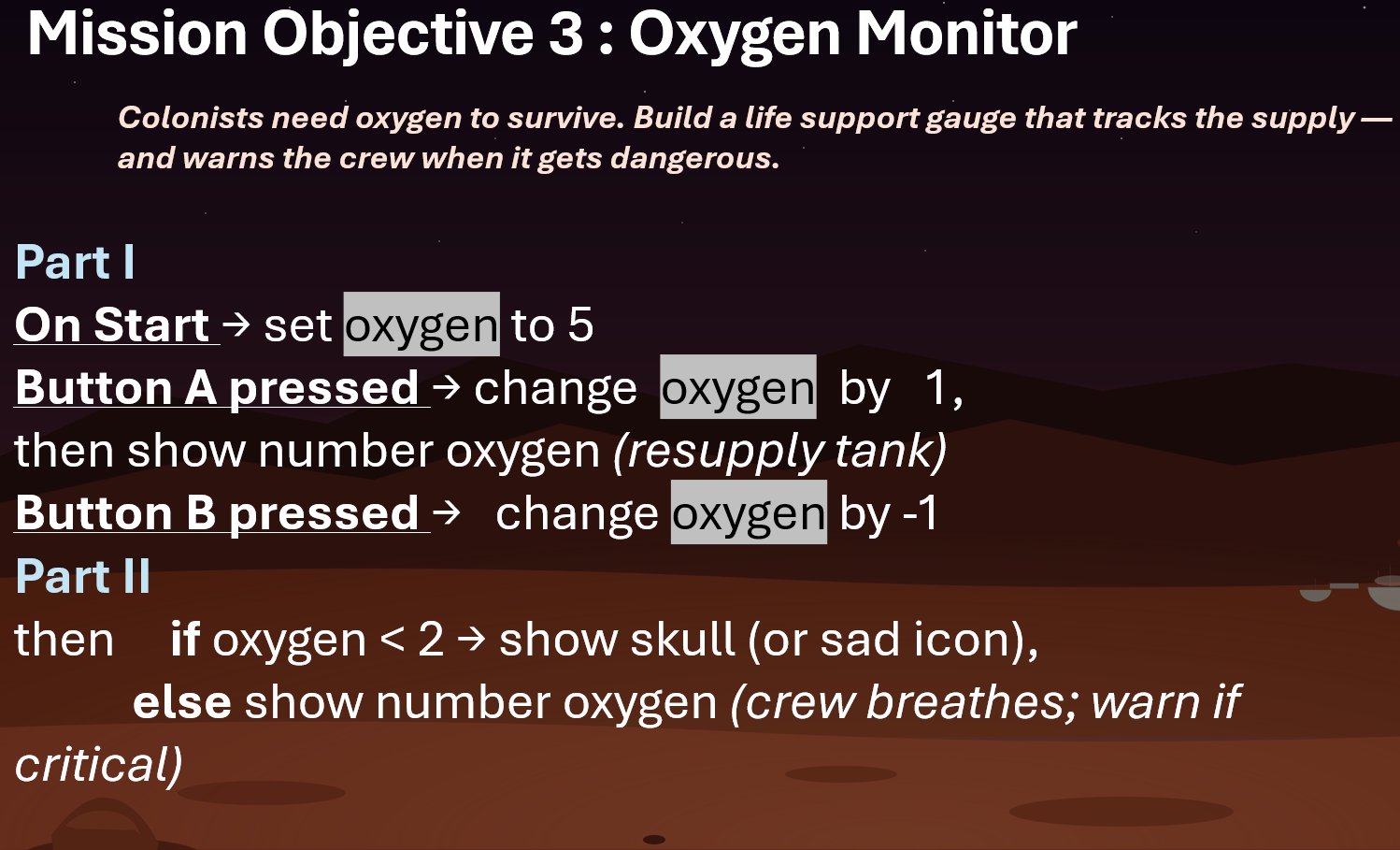
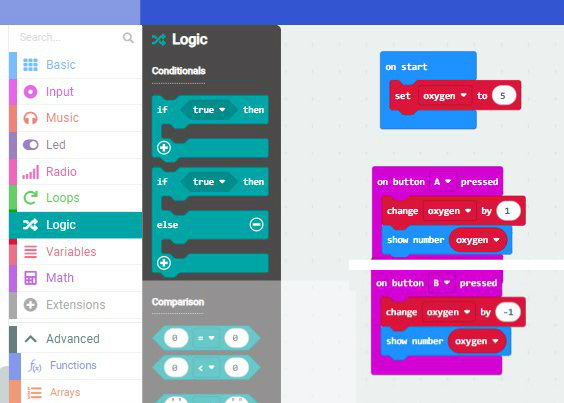
Topics/links : Button A , if / else , set variable

Stuck? Some of the code


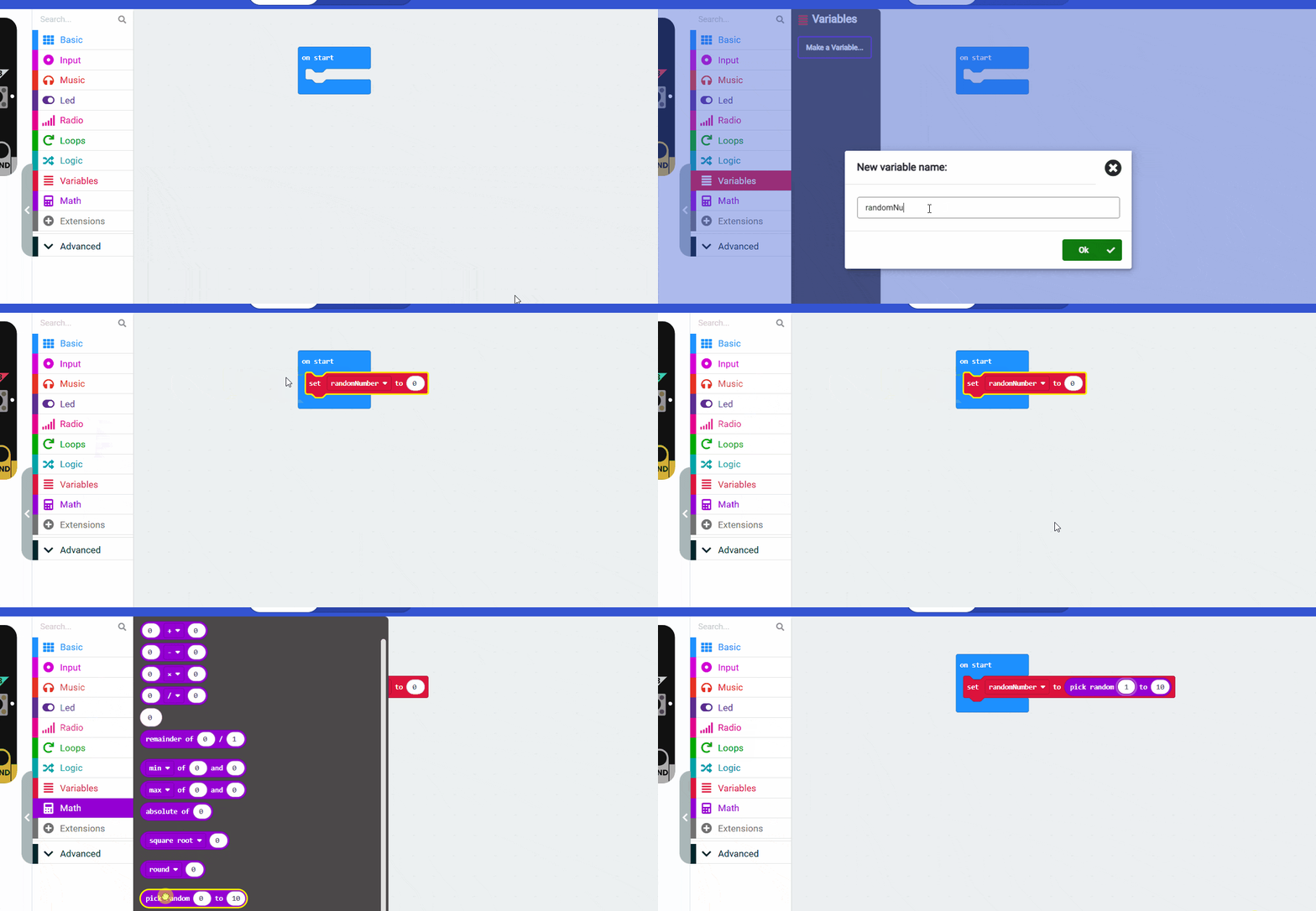
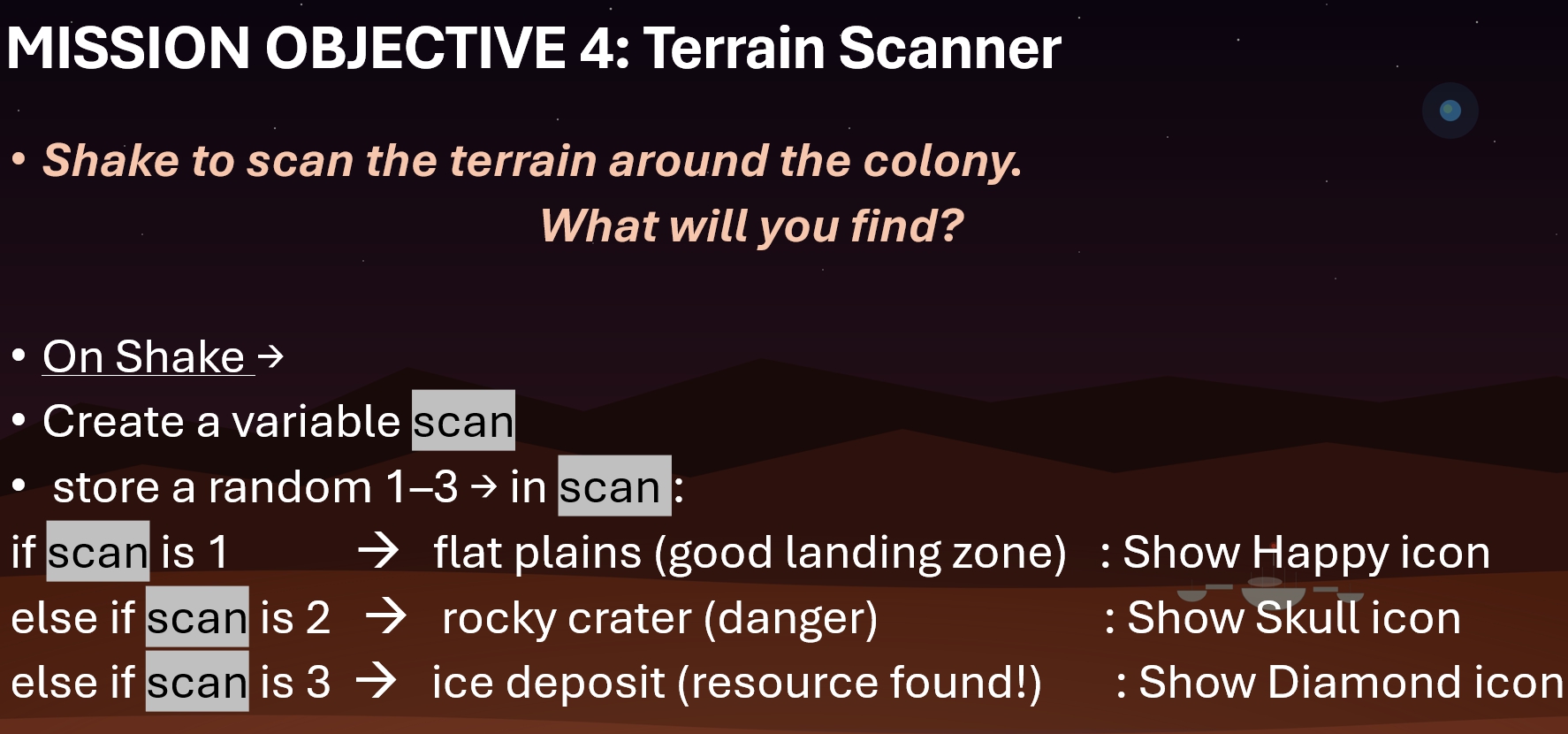
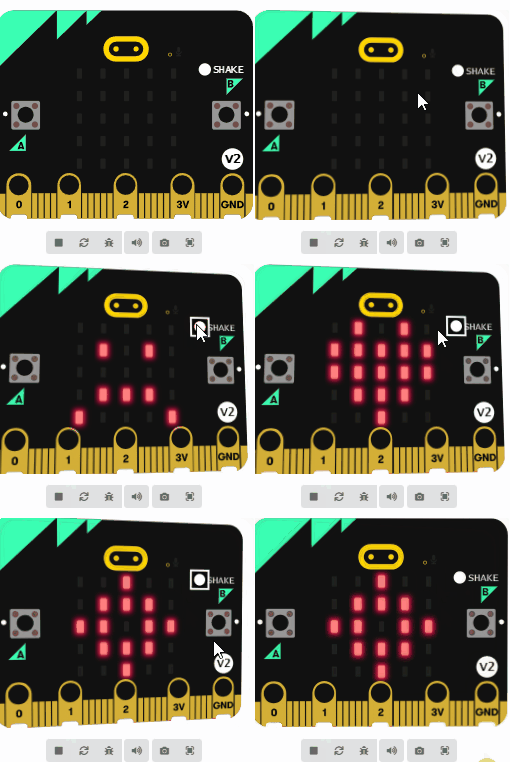
Topics/links : Shake Event, if else , set variable to random ,

NOTE: Please make sure you save a copy of Mission 4. Don’t lose it! (We might use it later)

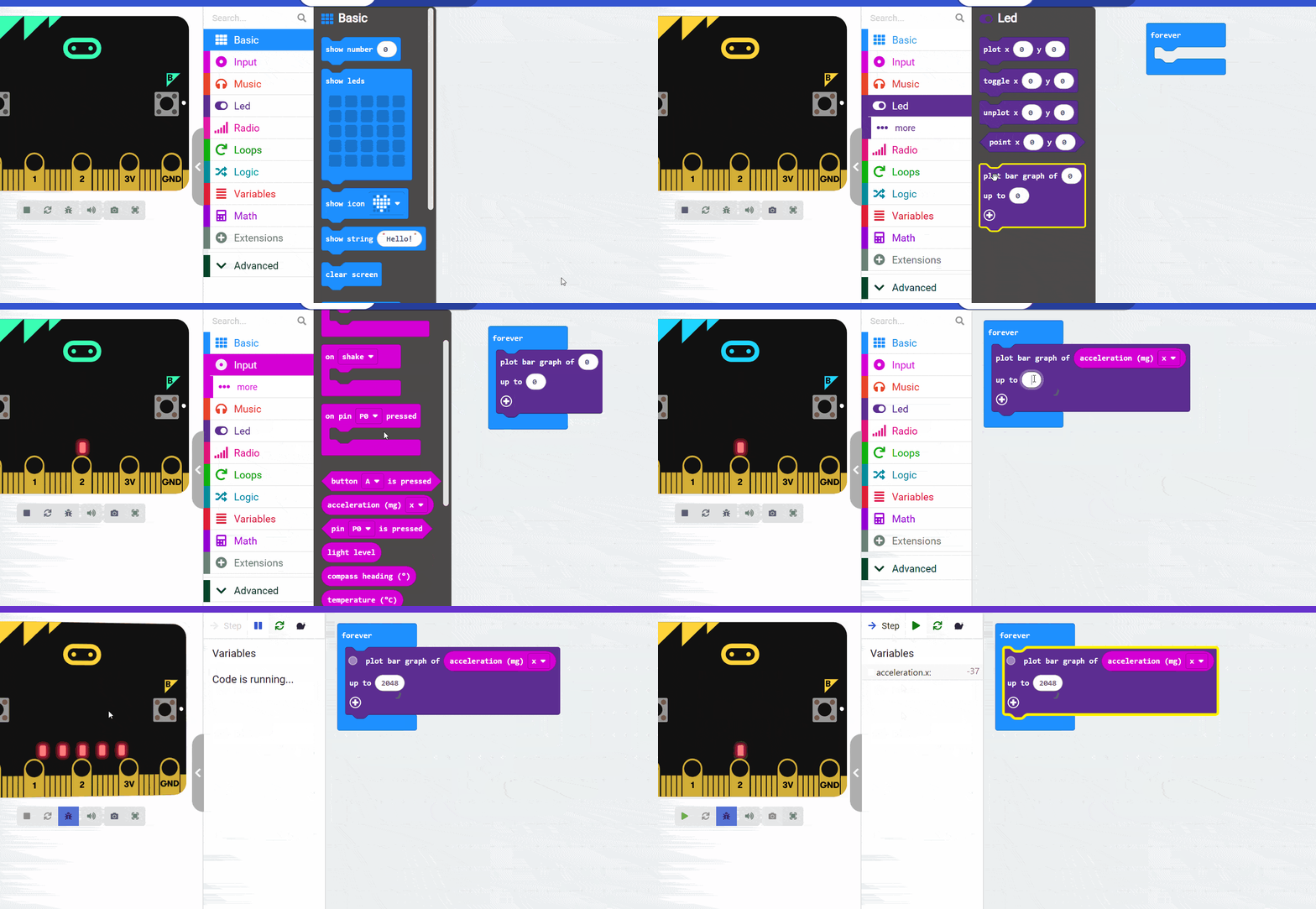
Result :


Code for Forever loop/ plot bar graph/acceleration


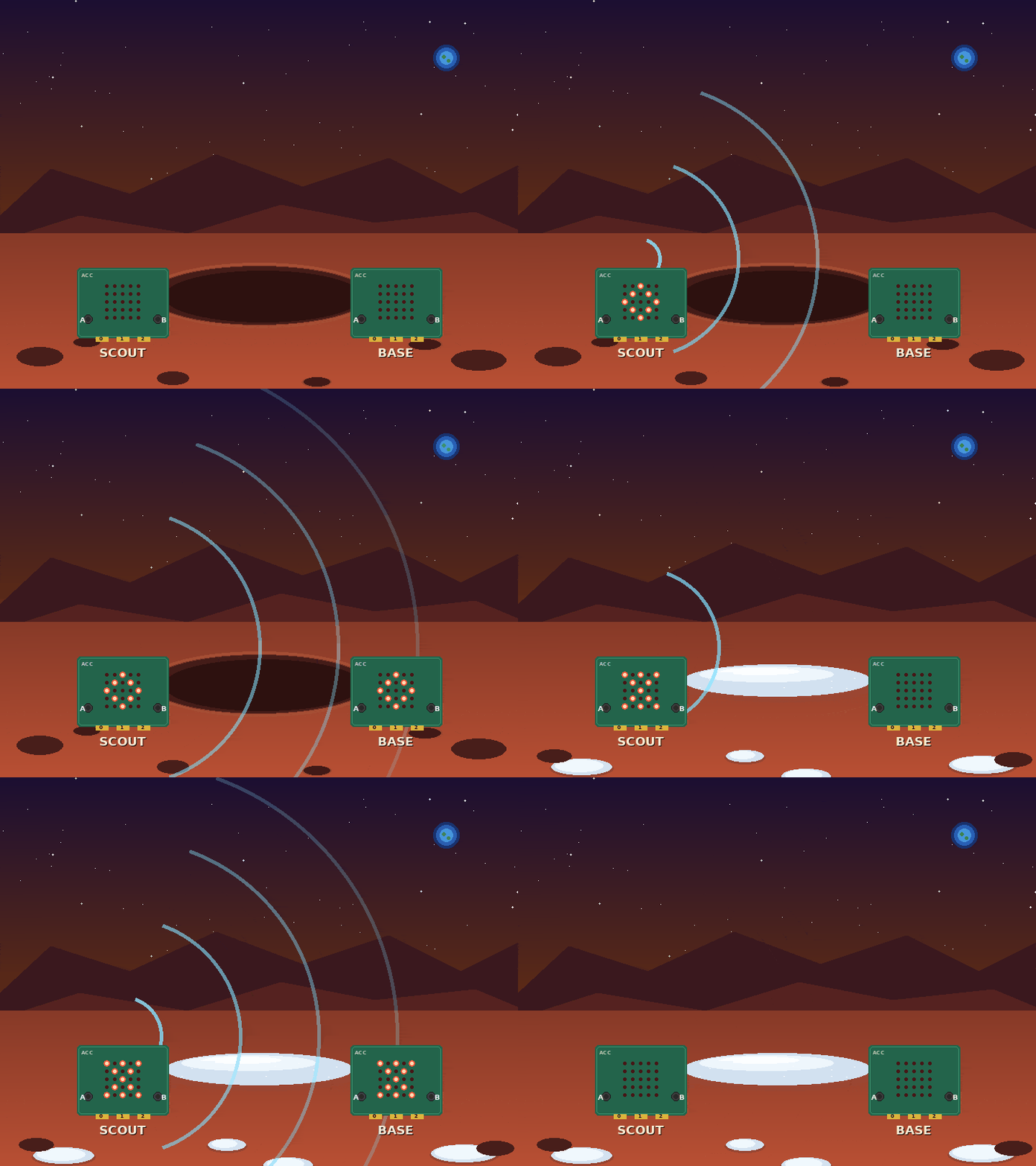
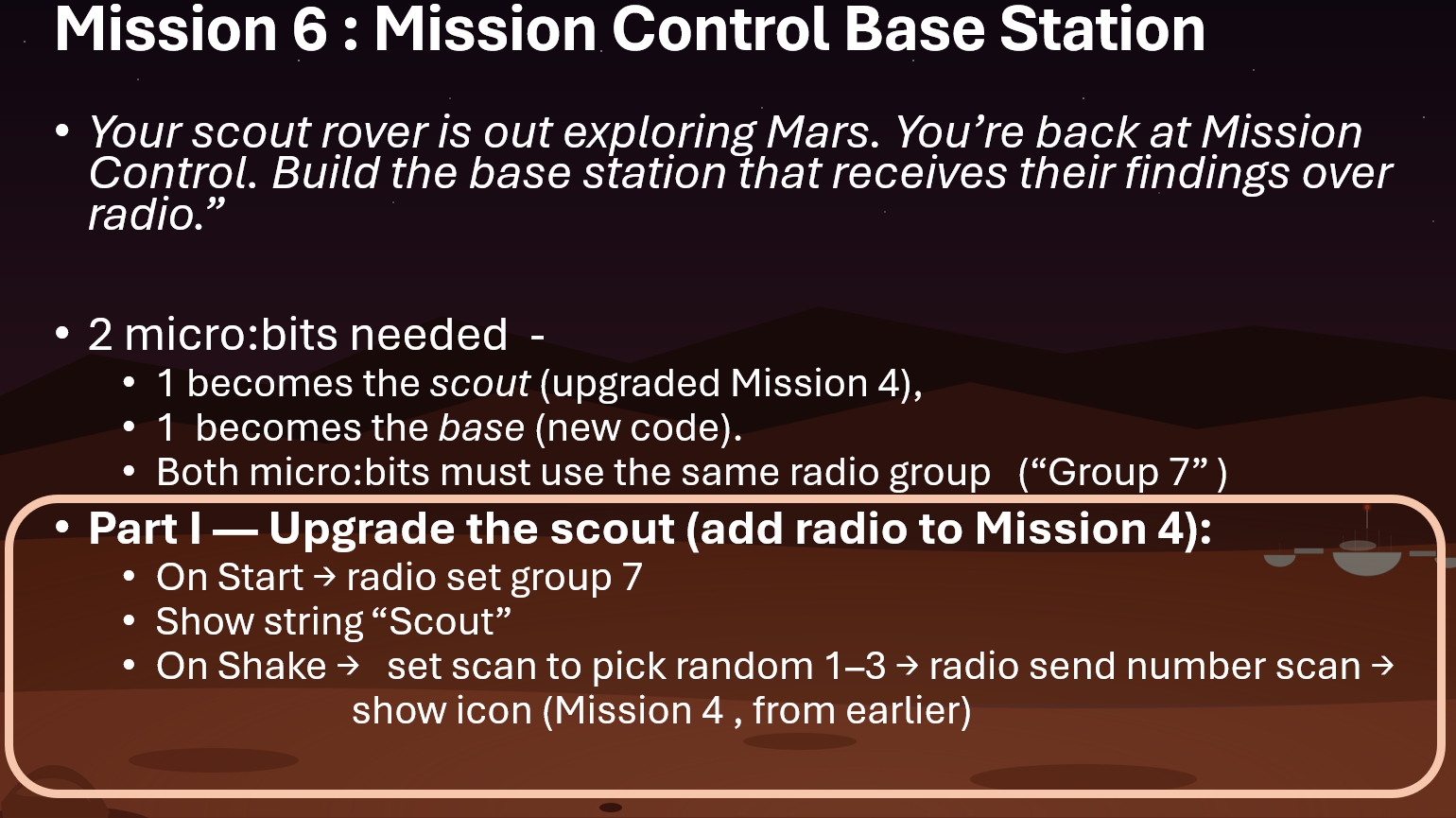
This is a 2-parter. Part I involves upgrading the Mission 4 scout

Topics/links for Part I : Shake Event , Radio Communication Full Example

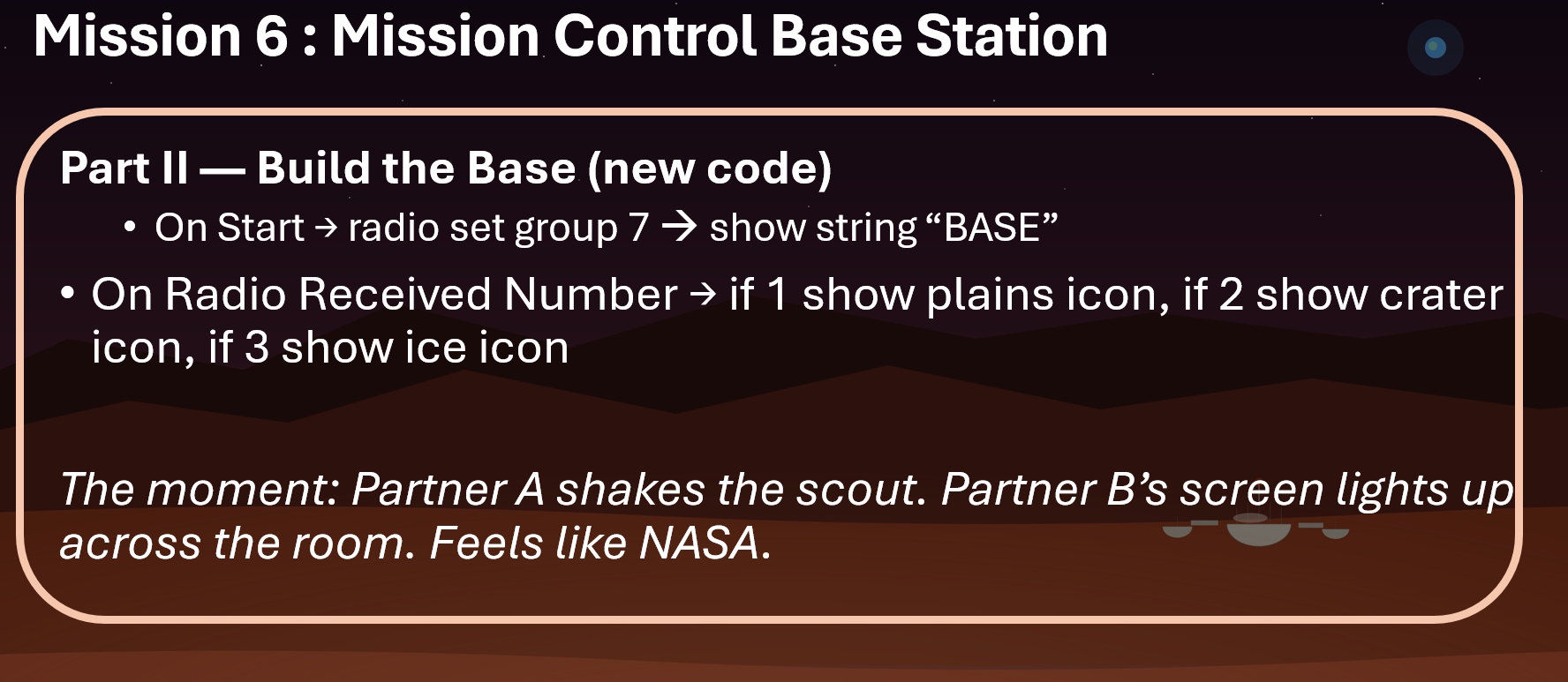
Topics/links : Shake Event , set radio group, on radio receive , on radio receive number if/else Radio Communication Full example